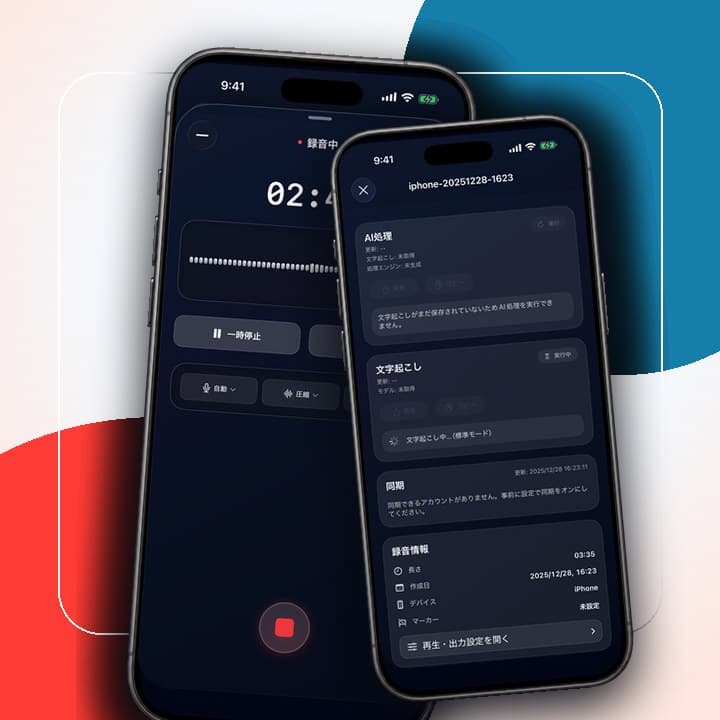
Record fast
Start in one tap
Built for iPhone and Apple Watch
Quick Recorder brings recording, transcription, AI summaries, search, and sharing into one AI recorder. Start from Apple Watch, then turn meetings and notes into something you can use later.
Supports iPhone, Apple Watch, and iPad
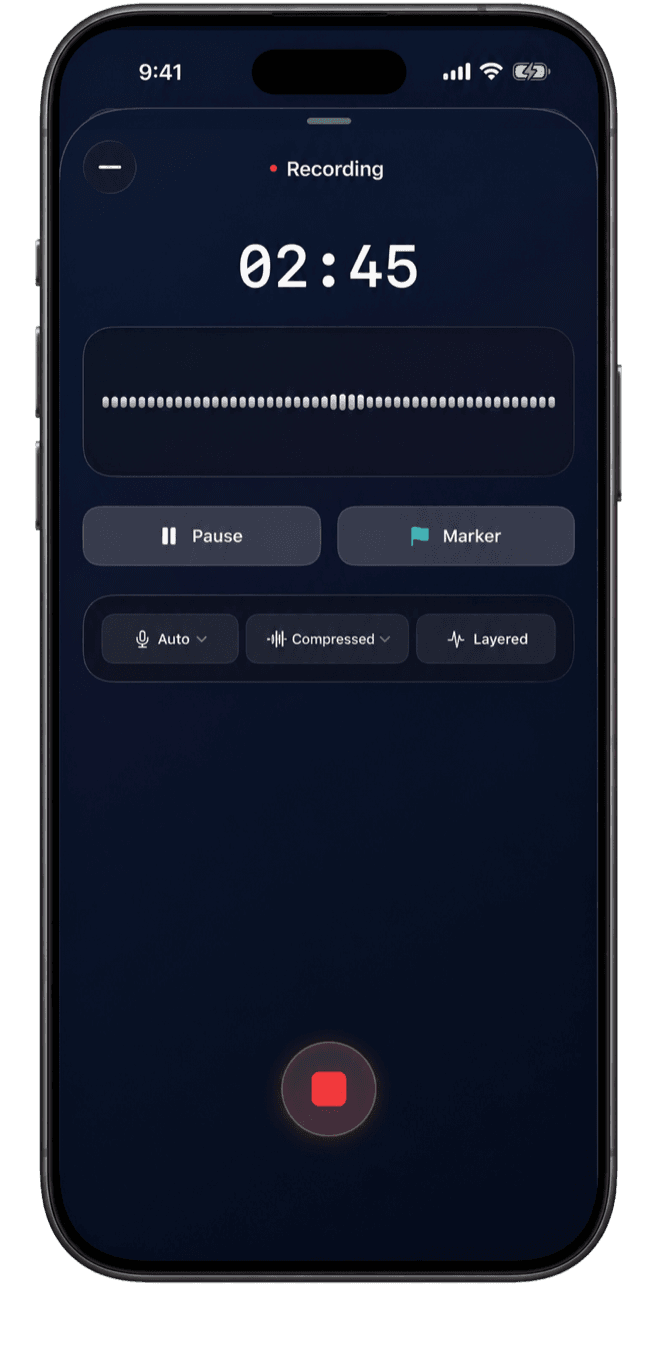
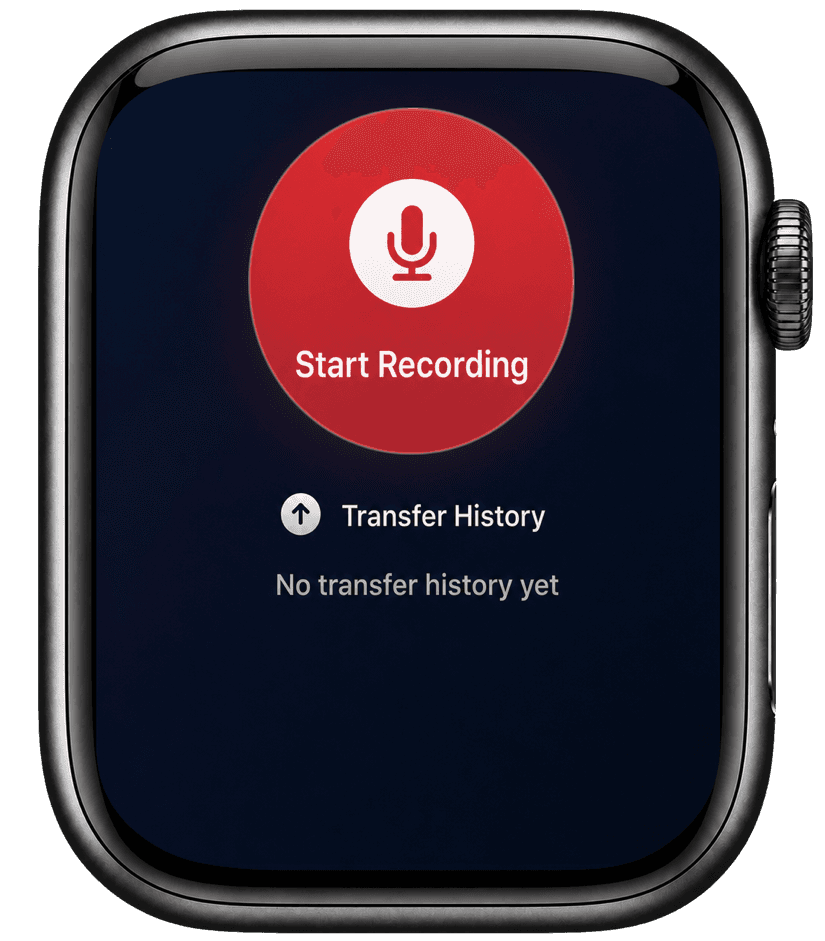
Start in one tap
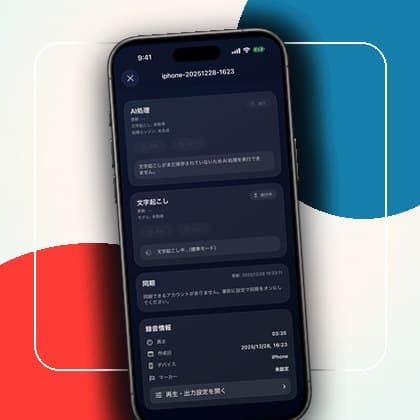
Turn audio into text on device
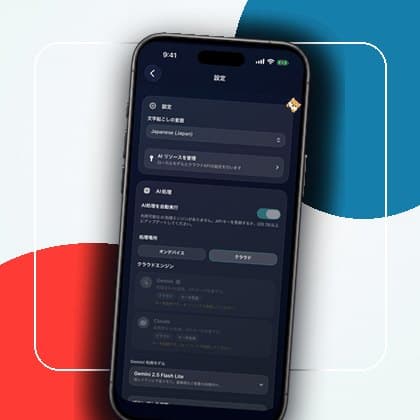
Extract key points automatically
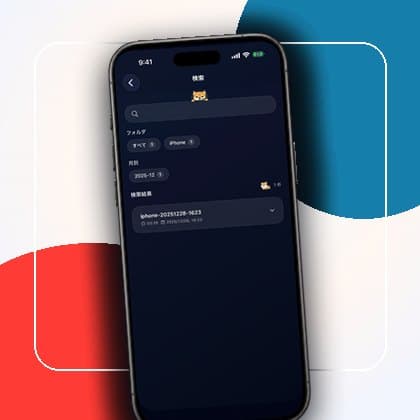
Find and reuse notes
Do more than save recordings. Search them later, share them, and reuse them as team knowledge.

Start recording from your wrist in one tap. Continue in the background and sync automatically to iPhone.
Choose offline transcription to keep recording and transcription on your device. Enable cloud integrations only when you need them.
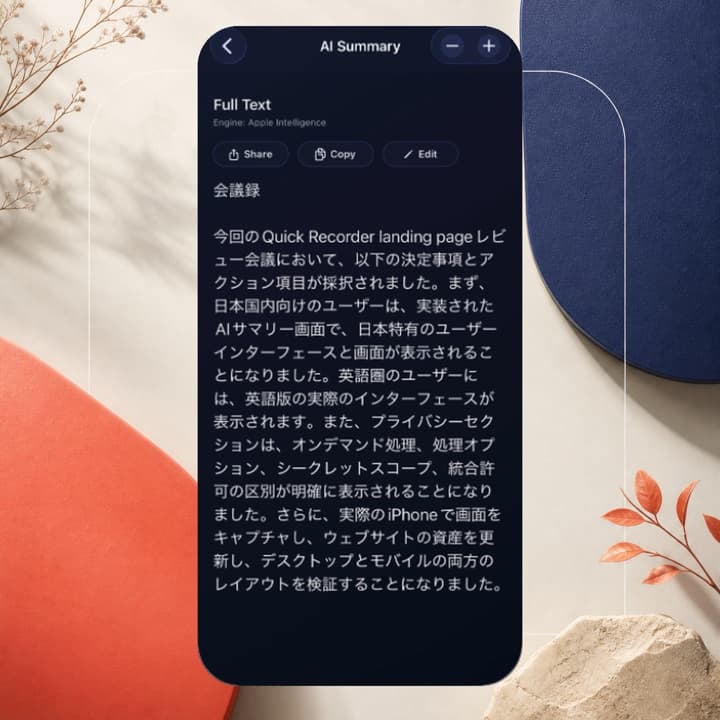
Let AI extract key points from long recordings so important details are easier to review.
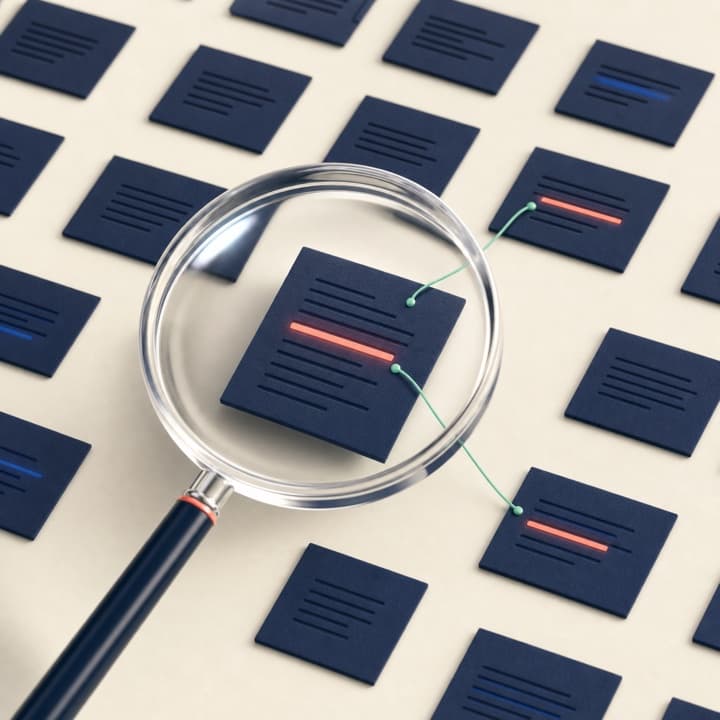
Search past recordings instantly by keyword, tag, or date to find the record you need.
Turn daily conversations, ideas, and sessions into organized records.

Record once and get a draft for meeting notes. Reduce the work of replaying audio and keep decisions from getting lost.

Automatically keep transcripts for lectures and seminars, then review the content later for more efficient study.

Capture thoughts quickly by voice. Once they become text, you can search and find them later.

Turn conversations into text automatically so you can focus on listening and review details later.
Send recordings and notes into your existing workflow.
 Notion
 Google Drive

 GitHub
Start recording in one tap and capture meetings or conversations immediately.
Turn recordings into text automatically so they are easier to read later.
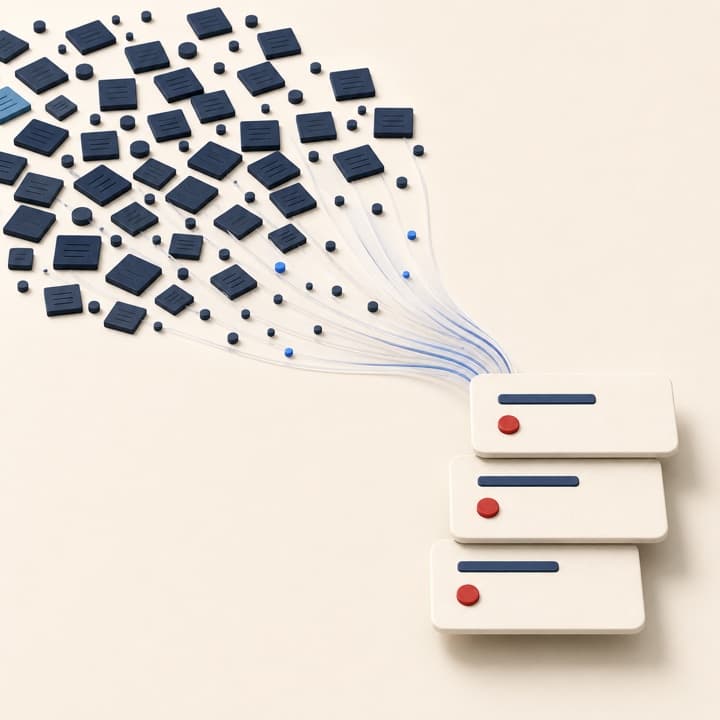
AI extracts key points and creates a draft summary or meeting note.
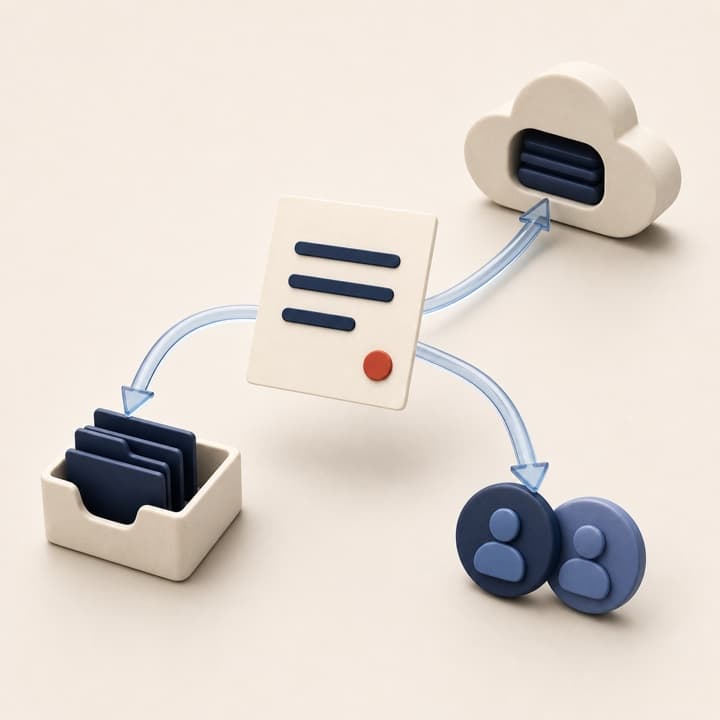
Share notes and summaries with your team or stakeholders.
Record and transcribe wherever you are on iPhone, Apple Watch, and iPad.
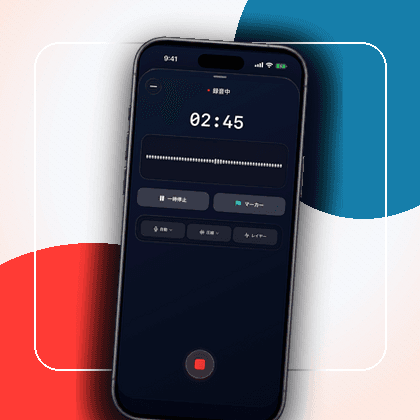
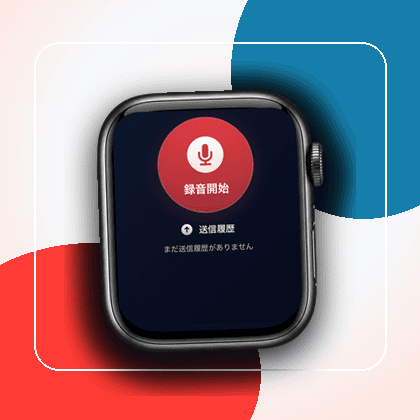
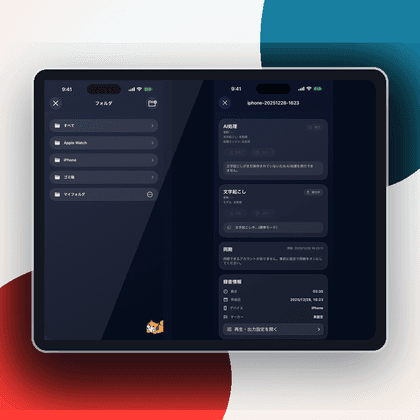
Choose on-device processing or cloud integrations, then control storage destinations, permissions, and sharing scope based on your workflow.
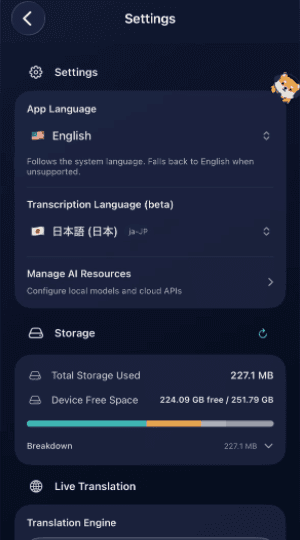
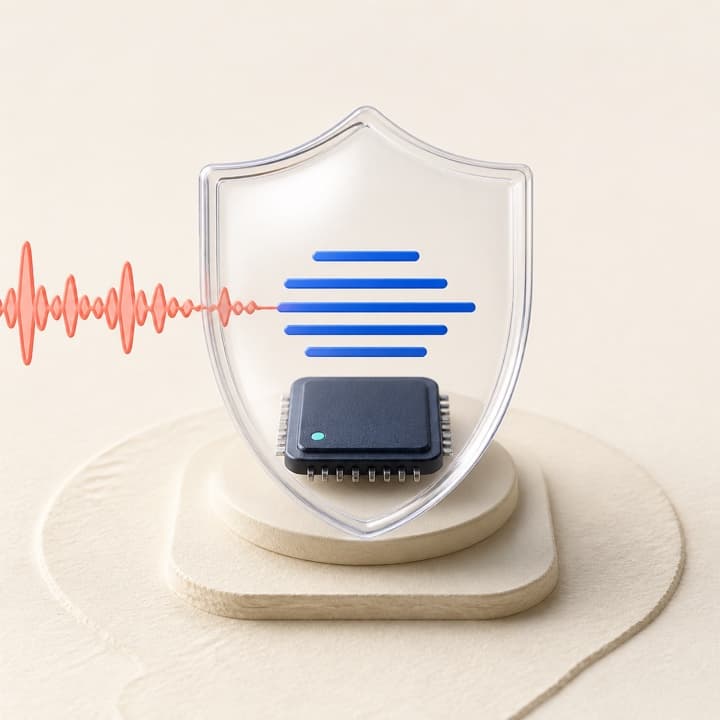
By default, recording and transcription can run on your device. You choose when to enable external integrations.
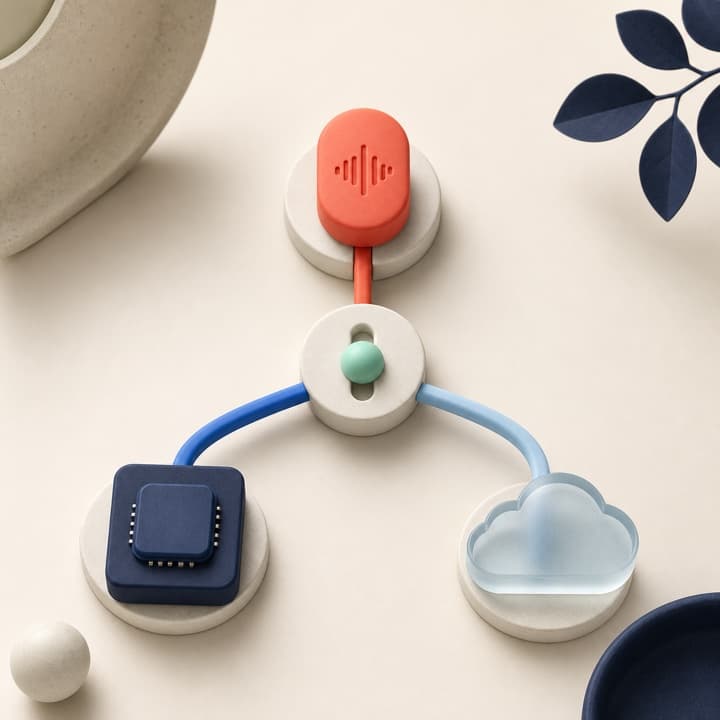
Switch between on-device processing and cloud processing based on your needs.
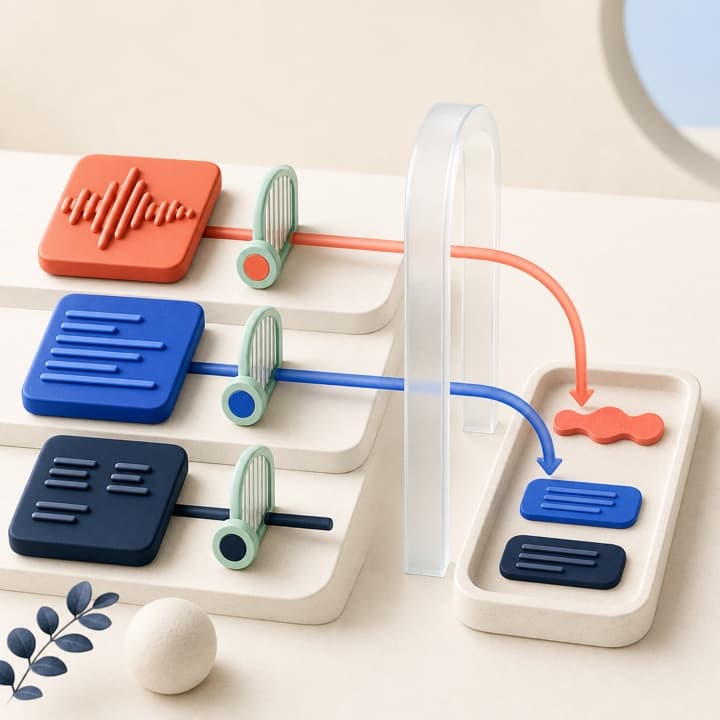
Choose whether audio, transcripts, summaries, or metadata are synced.
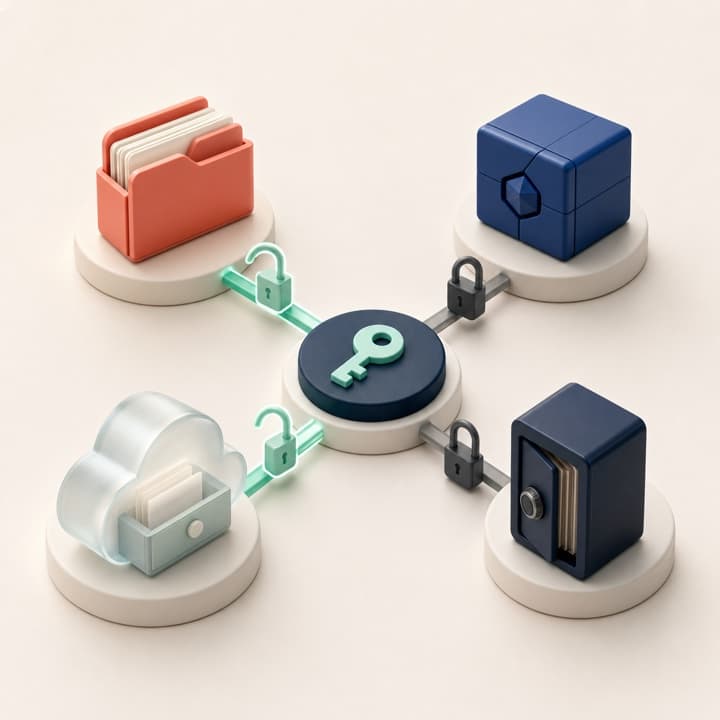
Connect Notion, GitHub, AWS, Google Drive, and Dify separately for each use case.
Capture meeting notes, draft minutes, and interview records quickly.